Glove80: Was it worth it after 2 years?
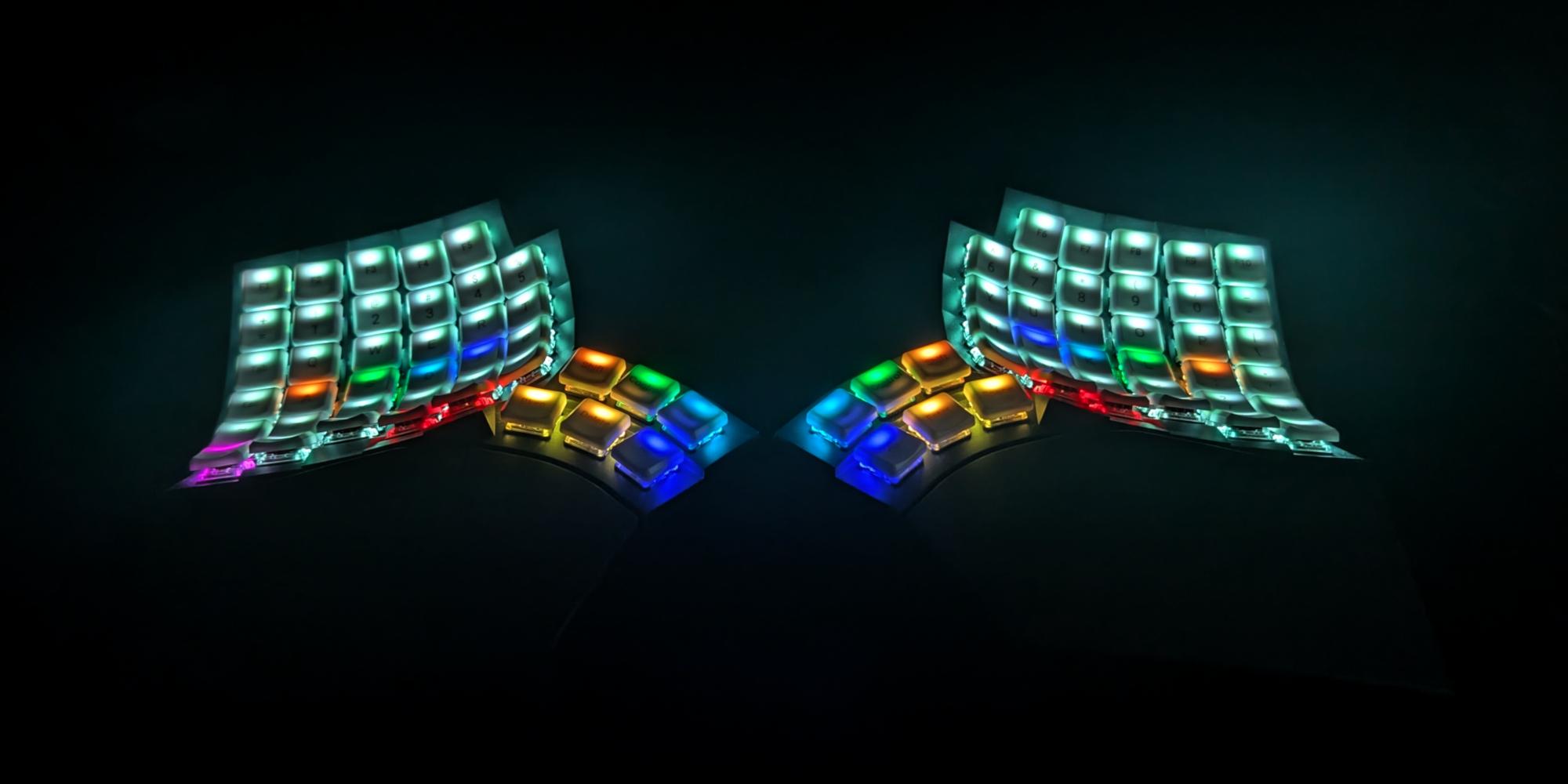
Two Years with the Glove80: From Frustration to Fingertip Flow
It has been exactly two years since I first laid hands on the Glove80. When you make the leap to a premium, split, contoured keyboard, you aren't just buying hardware—you are committing to a total rewiring of your muscle memory. Looking back, the journey wasn't always smooth, but it fundamentally changed how I interact with my computer.
If you’re on the fence about the investment, here is my honest two-year breakdown.
The Learning Curve (And How I Broke Through)
I won’t sugarcoat it: the transition was hard. Moving from a traditional staggered layout to a split columnar design felt like learning to type from scratch. My WPM tanked, and the cognitive load was exhausting. In fact, I actually boxed the keyboard back up for a while to let my brain reset before giving it a second, more patient try.
What finally made it click was per-key coloring. By assigning specific RGB colors to different keys and layers, I stopped guessing. Visualizing which layer was active directly on the board eliminated the need for a printed map.
Tip: If you’re struggling with layer memorization, check out my dedicated guide on configuring RGB for ZMK.
Why It’s Worth It: The Positives
After 24 months, I’ve realized that the Glove80 offers a unique blend of general split-keyboard benefits and specific hardware excellence.
- Positional Freedom: One of the biggest wins of a split layout is the independence of the two halves. I can place them anywhere, allowing me to introduce micro-variations to my posture throughout the day—whether I want a wide stance, a narrow one, or even mounting them on my chair armrests.
- The Key Well: For my average-sized hands, the contoured design feels incredibly natural. MoErgo nailed the curvature and thumb cluster, minimizing finger travel perfectly.
- Connectivity: It handles up to 4 Bluetooth devices plus a wired connection, making it a powerhouse for multi-device setups.
- The "80" in Glove80: Having 80 keys means I don't have to sacrifice as many dedicated keys as I would on smaller boards.
- Customization Power: Between the ZMK firmware support and the intuitive MoErgo Layout Editor, the software experience is top-tier.
- Tenting Freedom: The built-in tenting system allows for massive adjustments to find that perfect ergonomic angle.
- Included Protection: A nice touch is that it comes with a high-quality travel case included. It’s robust and well-padded, which is essential for protecting that unique contoured shape when you're on the move.
The Community Factor
A huge part of the value is the MoErgo Discord. Whether you’re troubleshooting ZMK code or looking for layout inspiration, the community is welcoming and fast. You can find them here.
Considerations
While the Glove80 is my clear favorite, there are a few nuances to keep in mind. Depending on which keyboard you are coming from, the learning curve can be quite steep and will likely require several weeks of dedicated training to regain your speed.
Additionally, if you rely on a tented setup, screwing the legs on and off to fit the board into the travel case can be a bit tedious. Finally, while perfectly durable, it is a lightweight board; some might miss the "sturdy" heft of a dense metal chassis given the premium price.
Final Verdict
So, was it worth it? Absolutely. The initial friction of the learning curve is a small price to pay for a lifetime of comfortable, pain-free typing. If you are willing to push through the first few weeks of awkwardness—and utilize visual tricks like per-key RGB—the Glove80 will reward you tenfold.
Beyond the ergonomics, getting into custom inputs and firmware has unexpectedly become a rewarding new hobby. It’s a deep rabbit hole of optimization and "flow" that I genuinely enjoy every time I sit down to work.
Read Next.
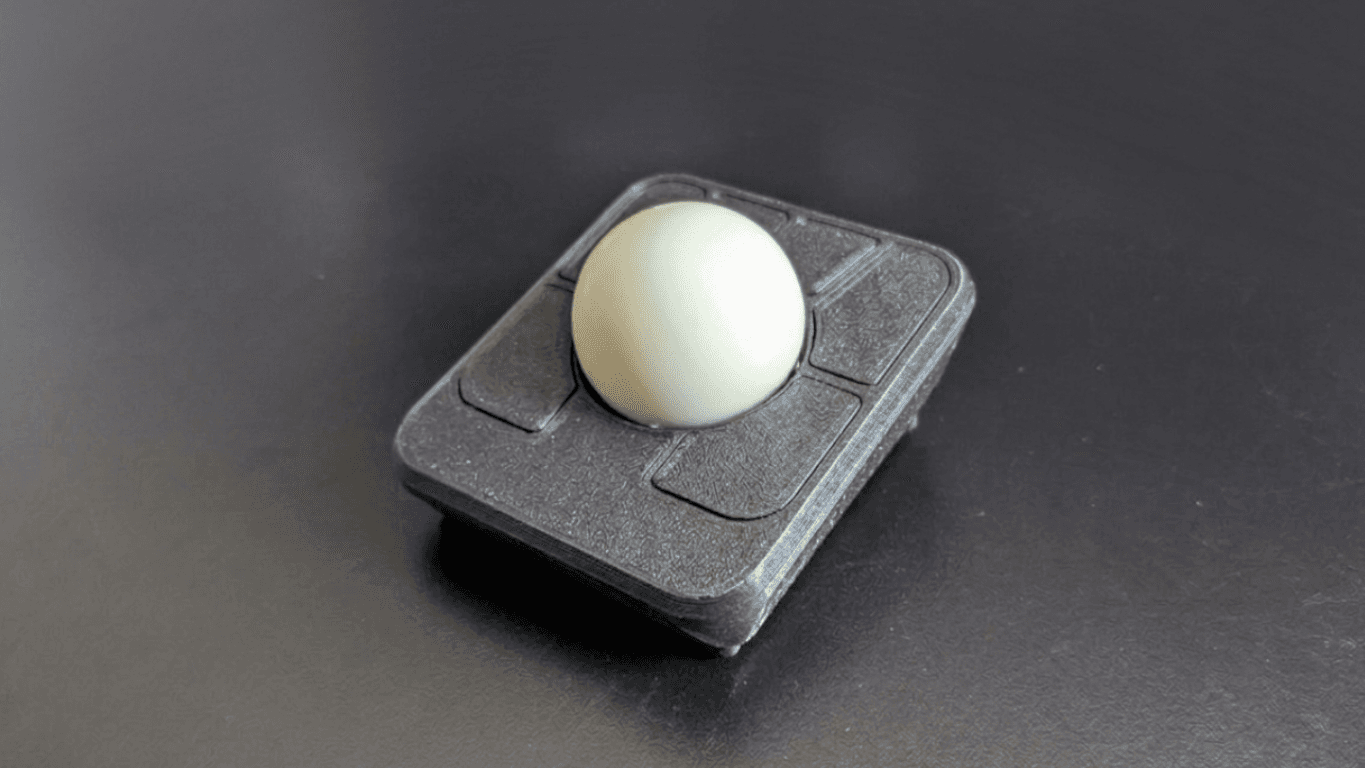
Building the Ploopy Adept BLE (Any Ball Mod)
A comprehensive guide on how to build a wireless Ploopy Adept trackball, featuring the highly recommended Any Ball mod, ordering the PCB, and assembling the components.
Glove 80 - Per-Key Coloring
The Glove 80 is a mechanical keyboard with per-key RGB lighting. In this post we will explore how to set the colors of the keys.
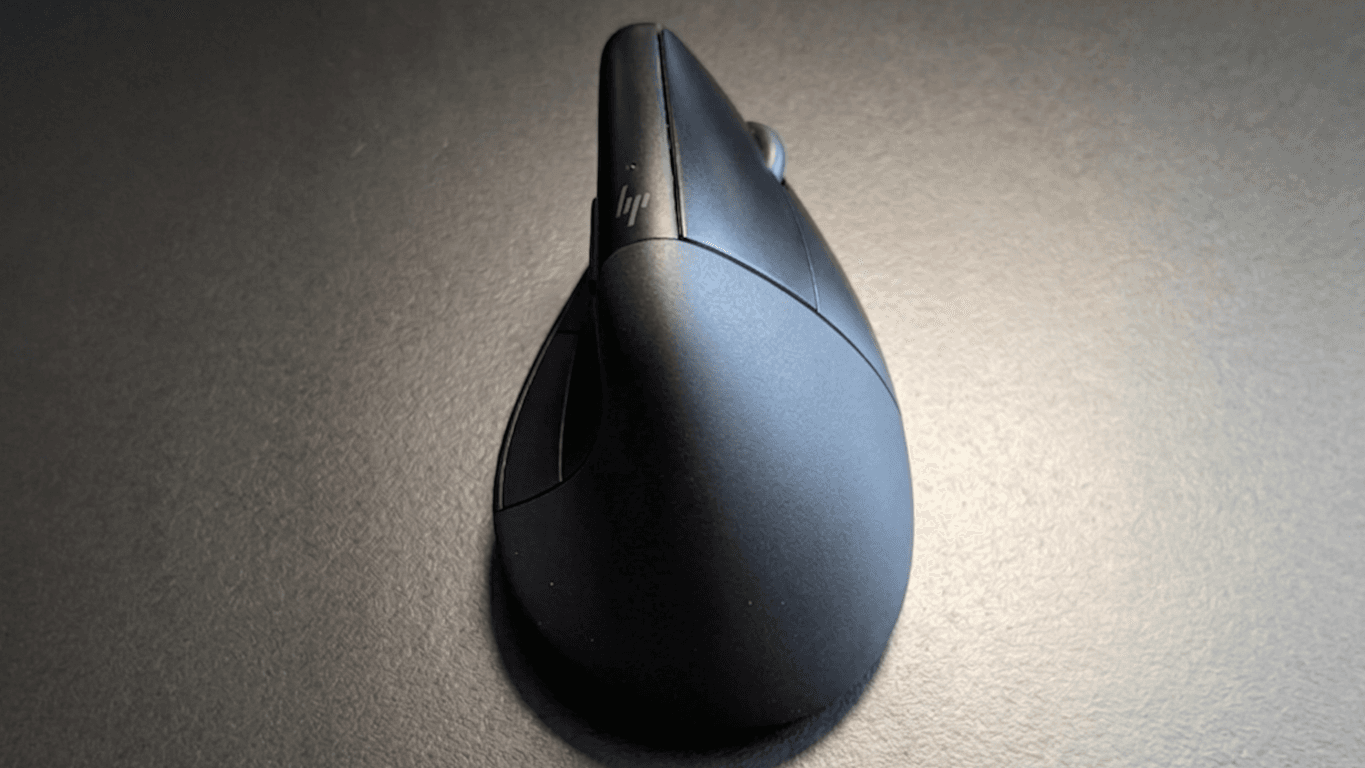
HP 920/925 Review: The Almost Perfect Vertical Mouse with a Catch
The HP 920/925 Ergonomic Vertical Mouse feels amazing for medium-sized hands, but poor build quality and a failing scroll wheel hold it back.