HP 920/925 Review: The Almost Perfect Vertical Mouse with a Catch
Disclosure: This post may contain affiliate links. If you make a purchase through these links, I may earn a small commission at no additional cost to you.
The Ergonomic Sweet Spot
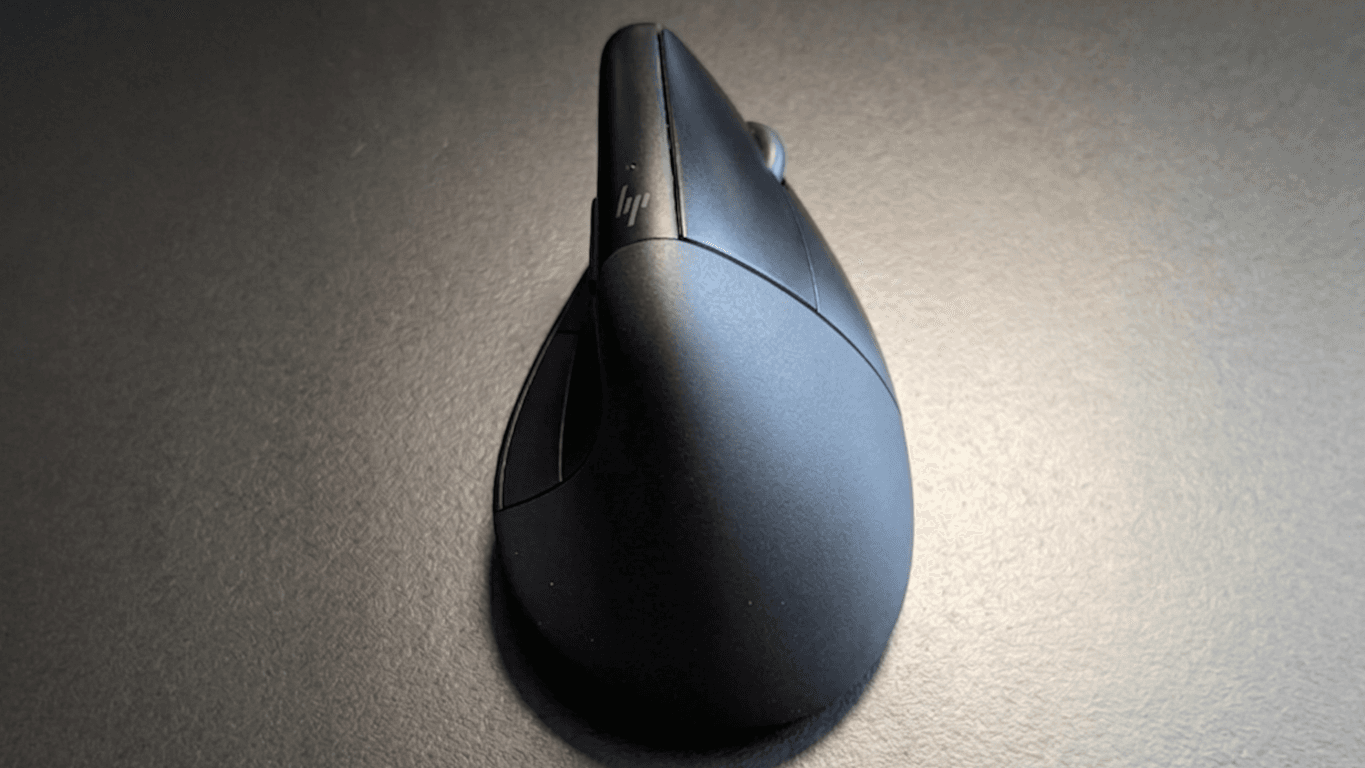
Finding a vertical mouse that doesn't feel like a brick is a challenge. The HP 920 (and its 925 sibling) stands out because it is slim and remarkably light. For my hand, which measures 18 cm and sits right in the medium category (according to Logitech's hand size chart), the fit is spot on.
The weight is what really makes this mouse stand out. If you are working long hours at a desk, the light feel makes a huge difference. When I compare it to a larger and heavier mouse like the Evoluent 4, the HP feels much easier to move around without straining my wrist. For a while, I thought this was the perfect ergonomic setup for my hand size.
One unique feature is the detachable palm pad. It takes a bit to get used to it, but it keeps your hand from constantly moving on the table surface. It stabilizes the whole experience, even if you eventually decide to go without it.
Battery Life and Connectivity
On the positive side, the built-in battery is great. It charges via USB-C and easily lasts for months on a single charge. You don't have to worry about swapping AA batteries, which keeps the mouse light.
This long battery life likely comes from some aggressive power-saving settings. The mouse goes into a deep sleep very quickly, probably after about 5 minutes of inactivity, and there is no way to disable this in the software. If you use it via Bluetooth, the mouse takes a couple of seconds to wake up and reconnect every time this happens. It can be a annoyance if you are jumping in and out of tasks. If you use the included USB dongle instead, this reconnection delay isn't that noticeable.
Build Quality Issues
Despite the great shape, the experience soured pretty quickly. The build quality simply doesn't match the price tag of the HP 920.
The first issue was minor but annoying. The magnets holding the palm pad in place just fell out. I had to get out the hot glue gun to stick them back in so the pad would stay attached. Since I often use the mouse without the pad, I lived with it, but it wasn't a great sign.
The real problem started shortly after the warranty expired. The scroll wheel became unreliable. I would scroll down and it would randomly jump one step back up. There is a temporary fix where you scroll the mouse against the table in one direction, but that only works for so long. Eventually, the scroll wheel gave up and broke entirely.
A Tinkerer's Nightmare
As someone who likes fixing my own hardware, I figured I would just swap the part. It turns out HP didn't make this mouse with repairability in mind.
To get inside, you have to peel off the glued-on glide pads to find a bunch of tiny screws for which my screwdriver almost was too short. Once inside, you are met with difficult-to-access screws and a cable that keeps everything tethered. You could unsolder the cable if you wanted to take everything completely apart, but otherwise, you have to work around it while it restricts your movement. To make matters worse, the wheel itself seems to be a custom size, smaller than standard mouse wheels. I haven't been able to find a replacement part that fits yet. Because of that, I am going to try 3D printing a custom replacement—wish me luck!
Final Thoughts
The HP 920/925 is a fantastic design let down by poor execution. If you have medium hands and want something light, it feels better than almost anything else on the market until it breaks. For the premium price HP is asking, a failing scroll wheel and a difficult repair process are hard to swallow.
If you want to see how this mouse is built from the inside, check out my detailed walkthrough of the HP 920/925 disassembly. Or, if you are looking for more reliable hardware, I am also working on a follow-up post about my experience with the Evoluent 4 (Wireless) as a long-term alternative. Be sure to subscribe to my newsletter so you don't miss any future posts!
Read Next.
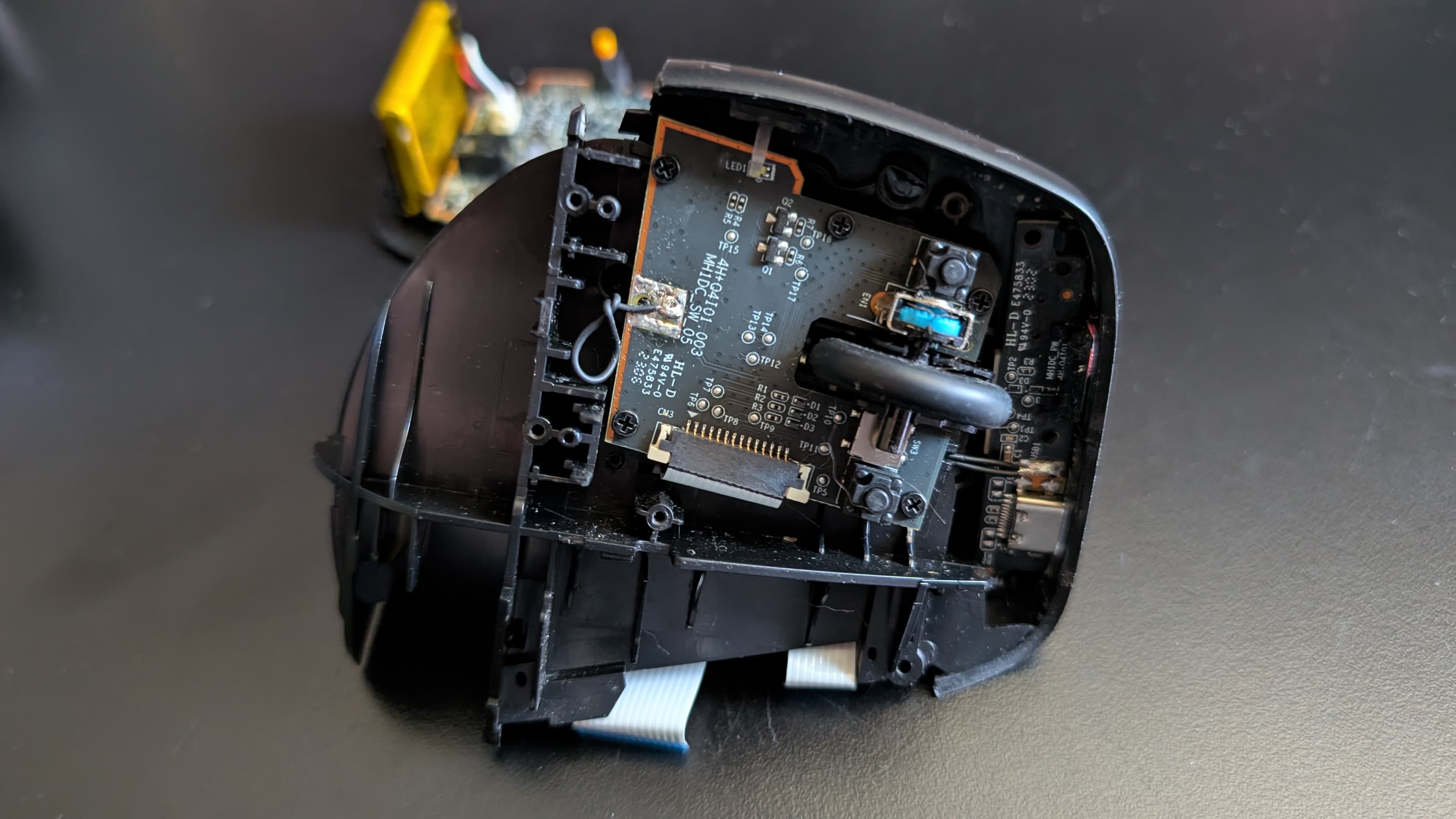
How to Disassemble the HP 920/925: Fixing the Broken Scroll Wheel
Is your HP 920 or 925 scroll wheel jumping or broken? Follow this step-by-step disassembly guide to open your mouse and attempt a repair.
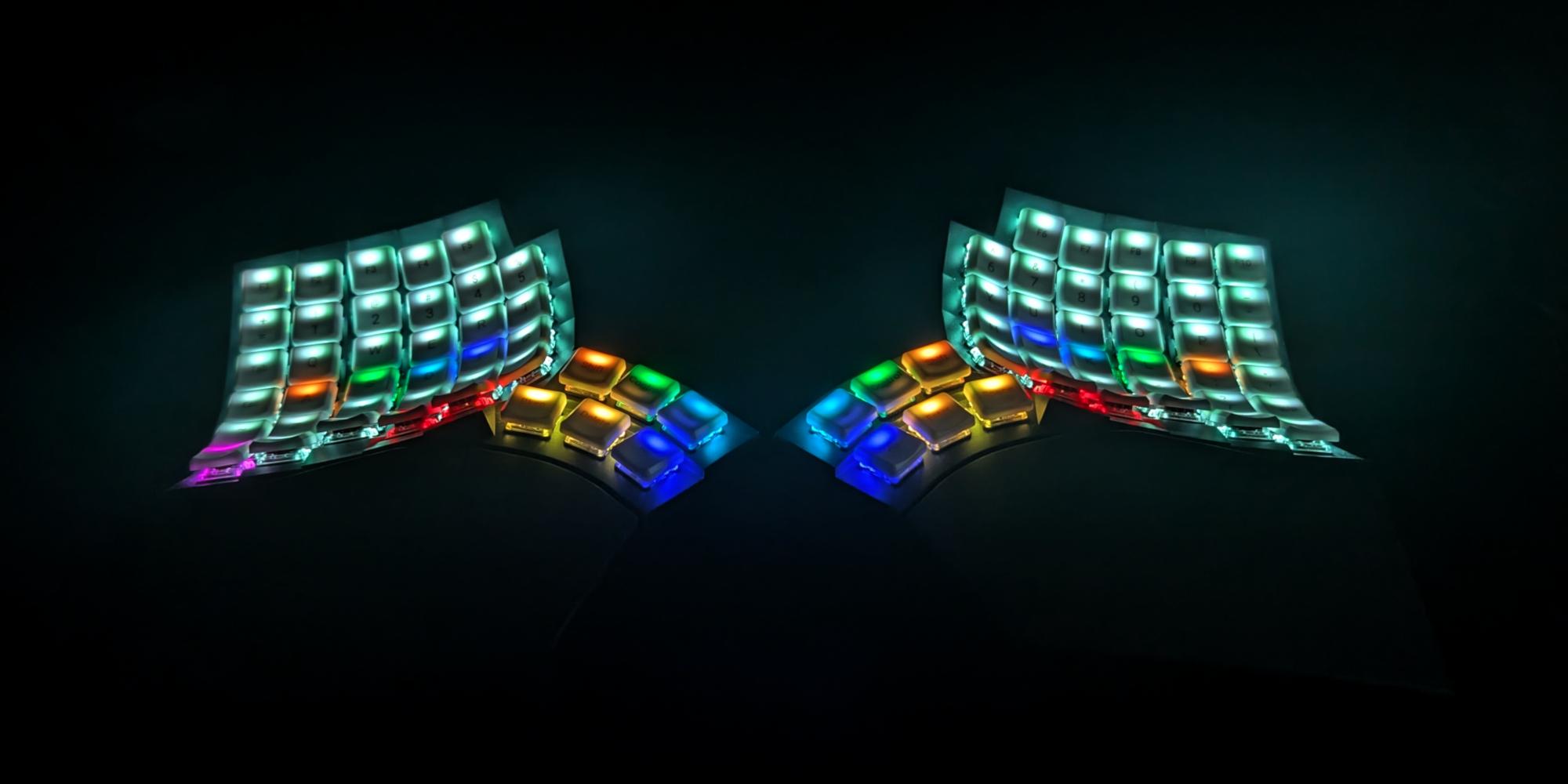
Glove80: Was it worth it after 2 years?
A look back at two years with the Glove80 split ergonomic keyboard. From the initial struggle of learning a columnar layout to the breakthrough of per-key RGB, here is why there's no going back.

Atomic Arch: How 1,500 AUR Packages Got Hijacked Without an Exploit
We analyze the recent Atomic Arch supply chain campaign. Threat actors took over orphaned Arch Linux packages to distribute a credential stealer and eBPF rootkit. Here is what you need to know about the breach.