TurboQuant: The Secret Sauce for Running Massive Local AI Agents
If you’ve been following my recent attempts to offload my daily dev grind to local AI, you know the struggle. In my last post on the topic, I hit a major bottleneck: despite Qwen2.5-Coder being highly capable, the model starts hallucinating or "losing the plot" as soon as the edits grow larger.
I used to think the model just wasn't smart enough. But it turns out the bottleneck isn't the model's "IQ"—it's its "RAM." Specifically, the KV Cache.
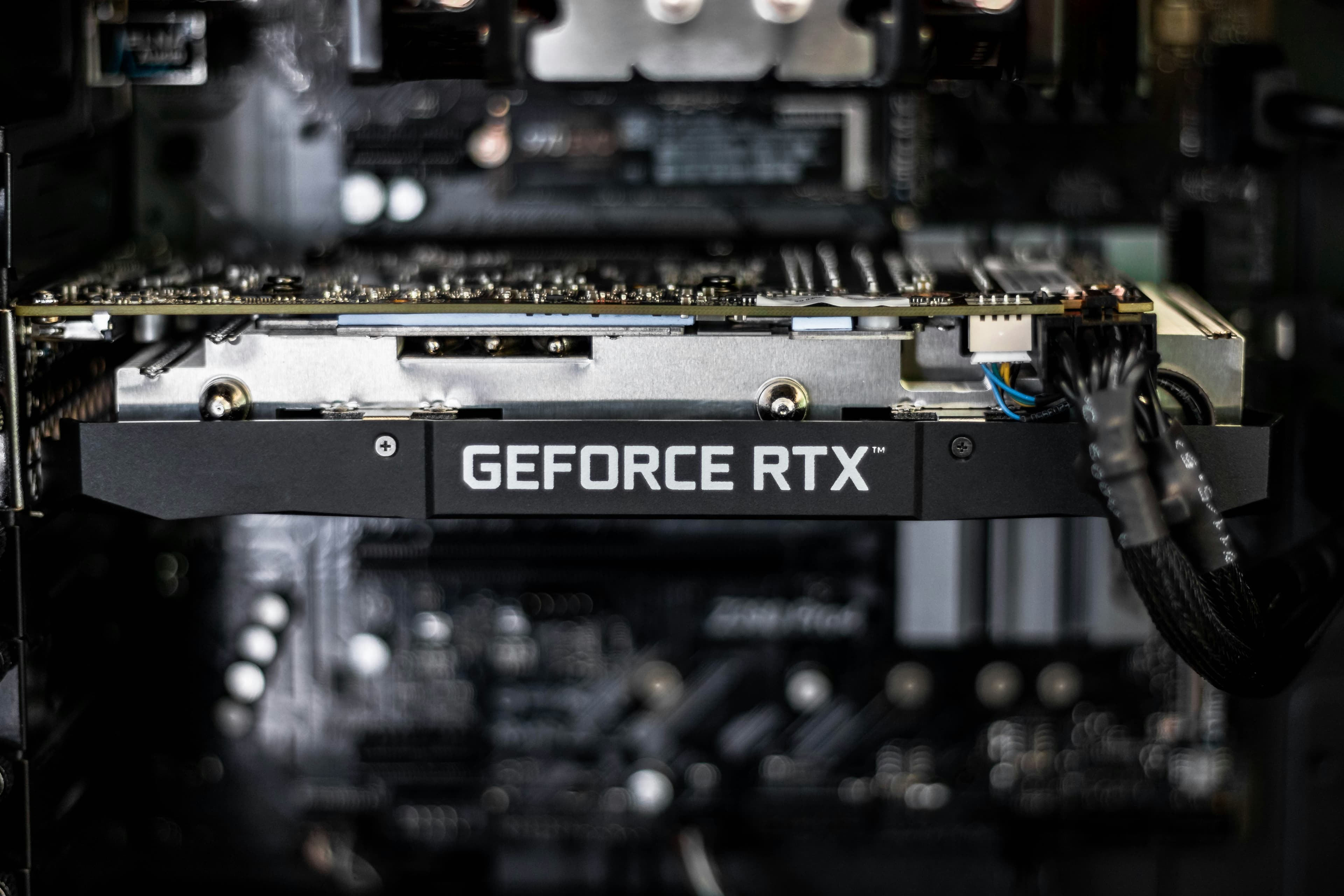
There is a new optimization on the block called TurboQuant, and if you care about local AI hosting, this is the breakthrough that actually moves the needle. It might be the only way to turn an RTX 3090 into a reliable, long-context coding partner.
The VRAM Problem: Why Your Local Agent Fails
When you’re running a coding agent, you aren't just sending a single prompt. You’re sending the model your entire file structure, your logs, and 20 messages of chat history.
All that data lives in the KV Cache (Key-Value Cache). Think of it as the LLM's working memory. The problem? On a standard 24GB GPU, the moment you hit a 32k or 64k context window, the KV Cache takes up so much space that there’s no room left for the model to actually "think." You get an Out-of-Memory (OOM) error, or the speed drops to a painful 1 token per second.
The "Random Rotation" Trick: Why It Actually Works
The tech behind TurboQuant is surprisingly elegant. Usually, quantization is just "shaving off decimals"—turning 0.23746 into 0.237. But LLMs have a weird quirk: they have "massive activations" or "attention sinks."
In plain English? Most of the numbers in a vector are tiny, but one or two are huge.
0.0000023
0.9999428 <- attention sink
0.0000738
When you try to compress a vector like that, standard quantization "snaps" the vector to its nearest cardinal direction. Effectively, the giant number becomes 1 and everything else becomes 0. You’ve just deleted almost all the information content of the vector. It's like trying to weigh a feather and a bowling ball on the same scale—you’re going to lose the weight of the feather entirely.
TurboQuant’s secret is a Random Rotation.
Before quantizing, TurboQuant literally rotates the vector in its n-dimensional space. By rotating it randomly, those "massive activations" get smeared across all dimensions. Instead of one giant spike and 99 zeros, you get 100 medium-sized numbers.
Now, when you "shave off the decimals," the precision loss is spread out evenly. You haven't lost the "feather" because it’s now part of a larger, more manageable average. Once the calculation is done, you just rotate it back.
Of course, this "free" memory doesn't come without a slight tax: runtime cost. Performing these rotations and counter-rotations on the fly requires extra GPU cycles. While the math is efficient, you’re essentially trading a bit of raw compute speed for that massive VRAM savings. For local hosting, this is usually a trade we’re happy to make, but it means your tokens-per-second might take a small hit compared to running a model with a tiny, uncompressed context.
Why This could change running local modals
The reason I'm hyped about TurboQuant for local LLM performance comes down to three things:
- Massive Context for Free: You can effectively take a 128k context window and make it fit into the VRAM footprint of a 20k window. For coding, context is king.
- Fighting the Bias: TurboQuant doesn't just rotate the data; it includes a second step that fixes the mathematical "bias" that usually happens when you use compressed vectors to calculate attention. This means the model stays "Senior Level" even at low bitrates.
- No Training Required: It’s "data-oblivious." You don't need a massive calibration dataset or hours of fine-tuning; it’s just pure, beautiful math applied on the fly.
Is the "Senior Dev" Agent Finally Hosted Locally?
It’s too early for a final verdict, but the direction is promising. The logical hurdles we repeatedly face in local development are increasingly revealing themselves as a memory bottleneck. Theoretically, if the model is provided with sufficient context, its ability to grasp complex architectural patterns improves significantly—all without relying on cloud providers.
I haven't had the chance to test this in my own setup yet, as the relevant forks for llama.cpp are currently in an early development stage. I’m holding off on a final assessment until I see the implementation handle a real-world refactor on my own hardware. However, the initial benchmarks are promising.
If you want to see exactly why your current setup is struggling without this tech, check out my deep dive into why local AI on a single 3090 currently isn't sufficient for senior-level tasks.
But if you’re a "hardware-first" dev and just want to see what's possible right now, you can still follow my guide to run Qwen2.5-Coder on your RTX 3090. We’ll see soon if TurboQuant is the missing piece of the puzzle.
Read Next.

Atomic Arch: How 1,500 AUR Packages Got Hijacked Without an Exploit
We analyze the recent Atomic Arch supply chain campaign. Threat actors took over orphaned Arch Linux packages to distribute a credential stealer and eBPF rootkit. Here is what you need to know about the breach.

Building the Ploopy Adept BLE (Any Ball Mod)
A comprehensive guide on how to build a wireless Ploopy Adept trackball, featuring the highly recommended Any Ball mod, ordering the PCB, and assembling the components.

Copy Fail: Page Cache Corruption in the Linux Kernel (CVE-2026-31431)
CVE-2026-31431, dubbed 'Copy Fail,' allows local attackers to gain root privileges by corrupting the Linux page cache via the algif_aead crypto interface. This article breaks down the technical root cause and the exploitation timeline.